Snowcraft
The National Alpine Activities List in your pocket — with video, practice notes, and NRM events.
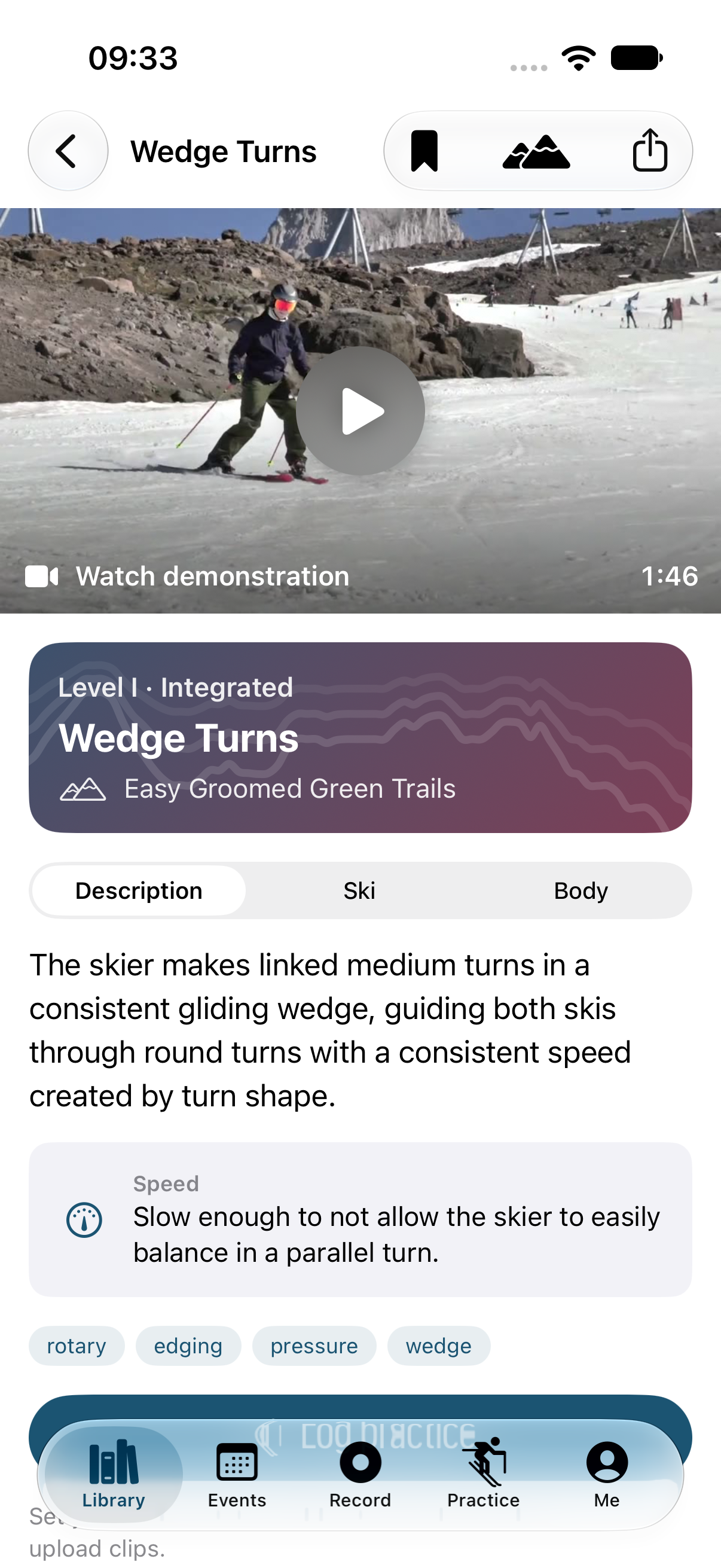
Snowcraft puts all 58 activities from the PSIA-AASI National Alpine Activities List (version 1.2) on your phone, sorted by Level I, II, and III. Each activity has the description and the ski and body performance criteria. Many also have the official demonstration video.
It's free, and we're still changing it every week — we want to hear what's confusing.
Want the newest builds first? Join the beta on TestFlight.
What you can do with it
Study the activities
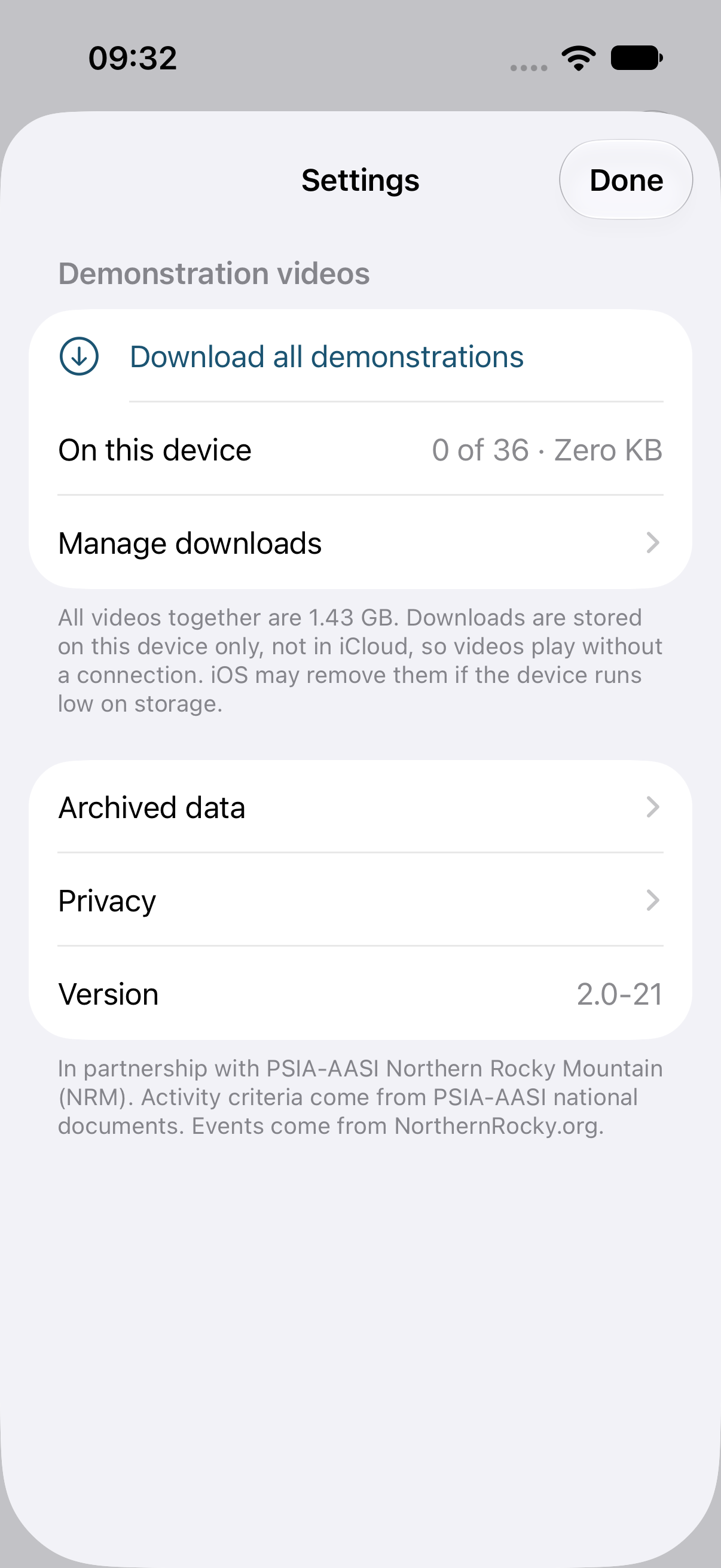
Search by name, filter by level, terrain, or category ("bumps" and "off-piste" work), and bookmark the ones you're working on. Play the official PSIA-AASI demonstration video for each activity, or download all of them before you head up the hill, where there's no signal.
Film yourself and compare
Tap Record and the camera shoots at 120 frames per second, so you can slow your turns down afterward. Put your clip next to the demonstration video and watch them side by side.
Keep a practice log
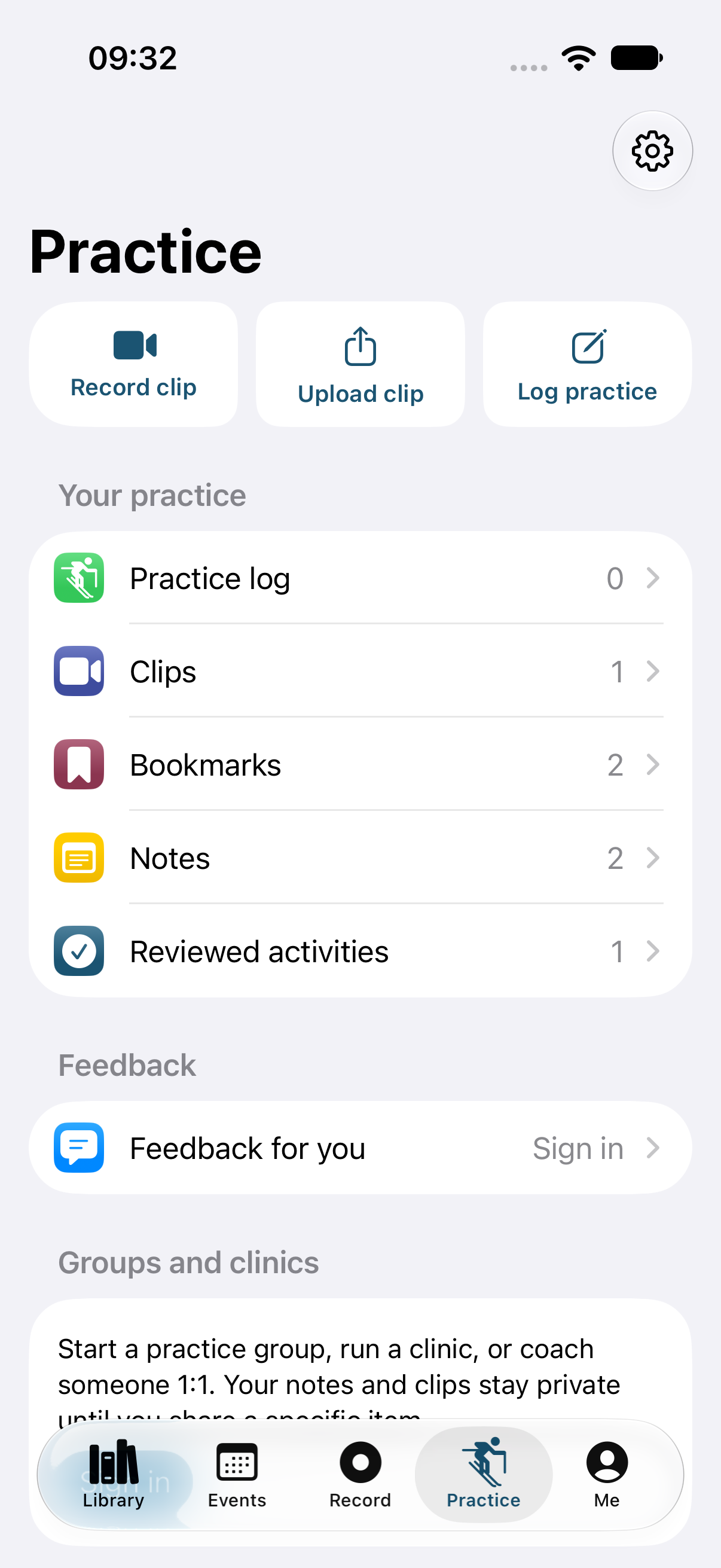
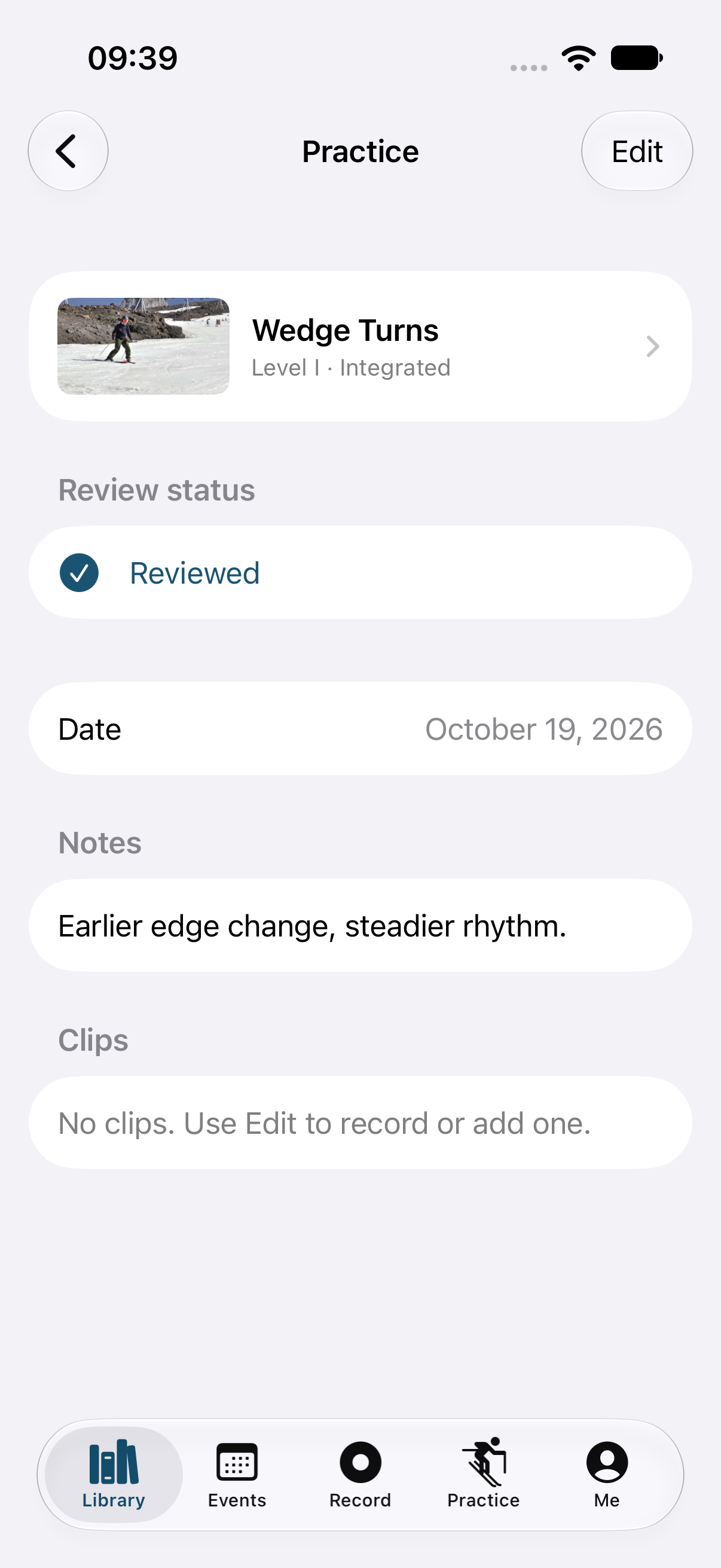
After you ski an activity, log it: the date, what you worked on, how it went, and any clips you recorded. Your log stays on your phone.
Get feedback from people you trust
Start a practice group, join a clinic, or work 1:1 with a trainer. Share a clip and ask a specific question — "Am I getting forward at the top of the turn?" — and the people you choose can answer it. Nothing you record is shared unless you share it.
Find NRM events
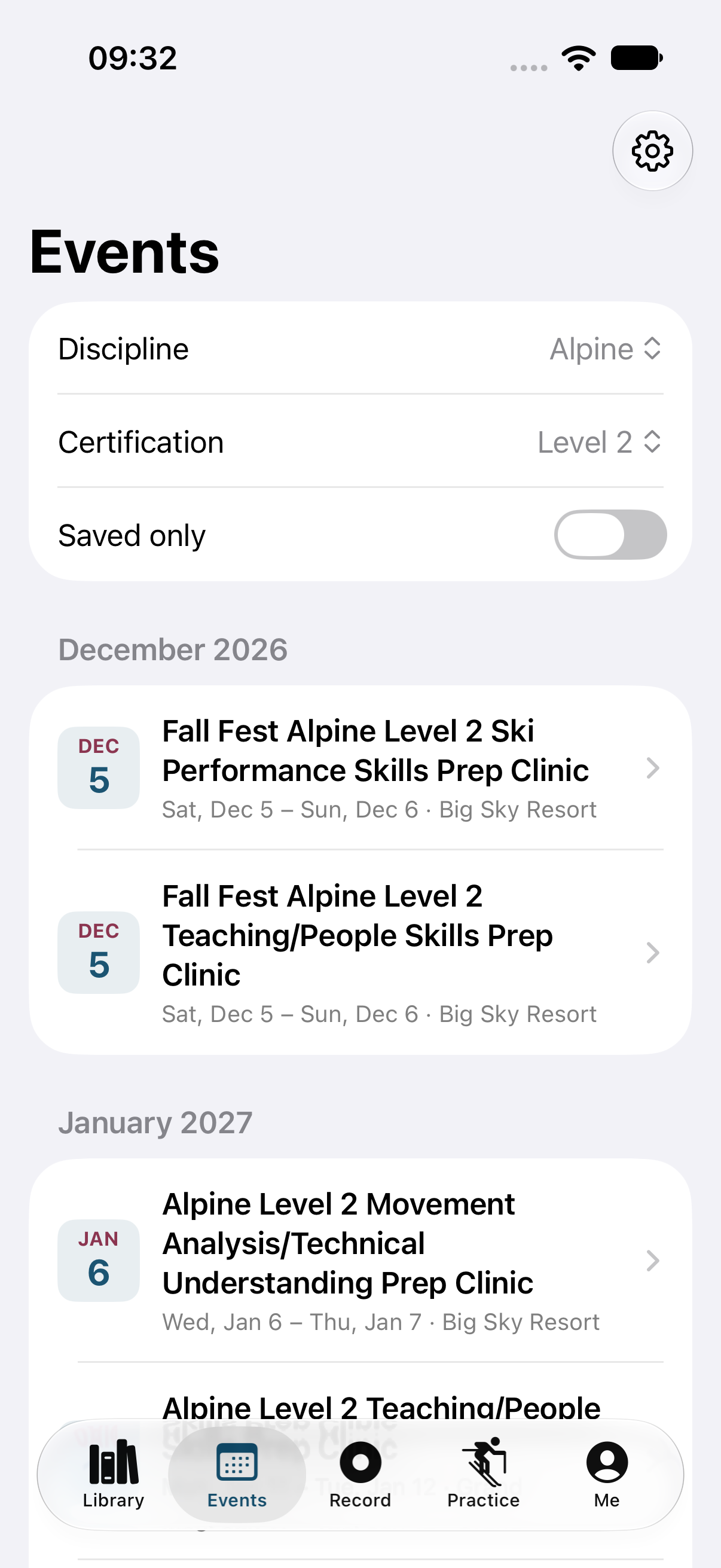
Every upcoming NRM event, pulled from this website, filtered by discipline and by certification level (Level 1, 2, 3, or non-certification). Save the ones you're considering and add them to your calendar.
See your membership record
Sign in with your PSIA-AASI login to see your certifications and continuing education credits.
How to get Snowcraft
- On your iPhone or iPad, open Snowcraft on the App Store and tap Get.
- Open Snowcraft. You don't need an account for the activities, videos, notes, or events. Sign in with Apple or your PSIA-AASI login when you want groups, feedback, or your membership record.
Snowcraft needs iOS 26 or later.
Prefer to see new features before everyone else? The beta runs on TestFlight, Apple's free app for testing. Install TestFlight from the App Store, then open https://testflight.apple.com/join/Zq7jJsbt on the same device and tap Accept, then Install. TestFlight updates the app for you when a new beta comes out.
Tell us what you think
Take a screenshot in the app and TestFlight will ask whether you want to send feedback. Mark up the screenshot and tell us what happened, what you expected, or what you'd change. It goes straight to the people building the app.
Good to know
- Demonstration videos: 28 of the 58 activities have the official video so far. PSIA-AASI hasn't released videos for most versatility activities yet; they're marked "Video coming soon" in the national document, and they'll appear in the app when PSIA publishes them.
- Privacy: your notes, practice log, and clips stay on your device unless you share a specific clip. The app has no ads and no tracking.
- Not certification evidence: your review status and practice log are for your own study. They aren't part of your exam record.
Snowcraft is built in partnership with PSIA-AASI Northern Rocky Mountain. Activity criteria come from PSIA-AASI national documents.